Free Gang Sheet Templates — 22.3″ Wide, PNG + PDF
Correctly sized canvases for every Bear gang sheet length, so your file lands on the film exactly as you built it — PNG at 300 DPI, vector PDF, and a size chart with pixel dimensions.
Why this matters
A gang sheet prints exactly as the file is built — there is no “fit to sheet” step on our side. If the canvas is the wrong width, the sheet is scaled and every design changes size; if it is the wrong length, you pay for film you did not use or get cut off. A template at the real pixel size (22.3 in wide at 300 DPI = 6690 px) removes the guesswork in Photoshop, Canva or Illustrator, and the size chart tells you which length you actually need before you open the builder.
What’s inside
- PNG guide templates22.3 × 12, 24, 36 and 60 in at 300 DPI, transparent, with a 1-inch grid, ruler and 0.25 in safe margin.
- Blank canvasesEmpty transparent PNGs at the exact pixel size — drop into Canva or Photoshop and start placing.
- Vector PDF templatesPage size = real sheet size for 12 in to 180 in (15 ft) — place in Illustrator, Affinity or Photoshop.
- Size chart (PDF)Every DTF, HyperColor and UV DTF builder length with pixel dimensions and square inches.
- README with the file rulesGuide layer off, transparent PNG, 300 DPI, no mirroring, name band handled by us.
Sheet sizes we print
Width is fixed; you pick the length. Pixel dimensions are at 300 DPI — the size your export should be.
| Length | DTF & HyperColor 22.3 in wide · 6690 px | UV DTF 22 in wide · 6600 px |
|---|---|---|
| 12 in · 1 ft | 6690 × 3600 px | 6600 × 3600 px |
| 24 in · 2 ft | 6690 × 7200 px | 6600 × 7200 px |
| 36 in · 3 ft | 6690 × 10800 px | 6600 × 10800 px |
| 60 in · 5 ft | 6690 × 18000 px | 6600 × 18000 px |
| 72 in · 6 ft | 6690 × 21600 px | 6600 × 21600 px |
| 96 in · 8 ft | 6690 × 28800 px | 6600 × 28800 px |
| 120 in · 10 ft | 6690 × 36000 px | 6600 × 36000 px |
| 180 in · 15 ft | 6690 × 54000 px | 6600 × 54000 px |
| 240 in · 20 ft | 6690 × 72000 px | 6600 × 72000 px |
| 300 in · 25 ft | 6690 × 90000 px | — |
| 330 in · 27.5 ft | DTF only · 6690 × 99000 px | — |
| 360 in · 30 ft | 6690 × 108000 px | 6600 × 108000 px |
| 420 in · 35 ft | DTF only · 6690 × 126000 px | — |
| 456 in · 38 ft | 6690 × 136800 px | — |
| 480 in · 40 ft | — | 6600 × 144000 px |
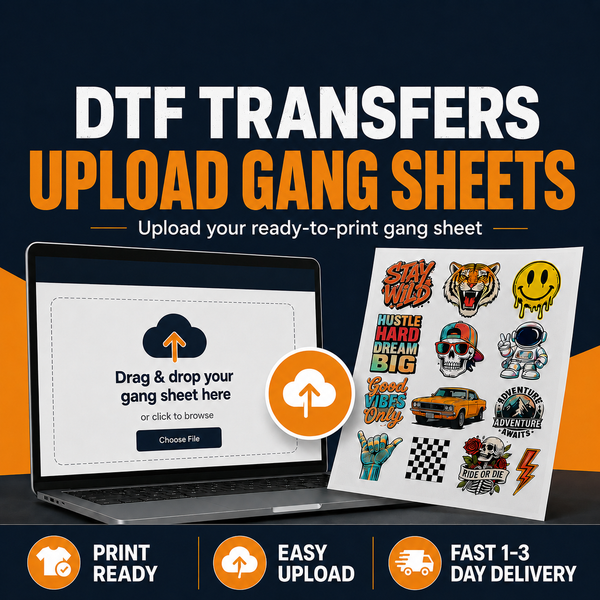
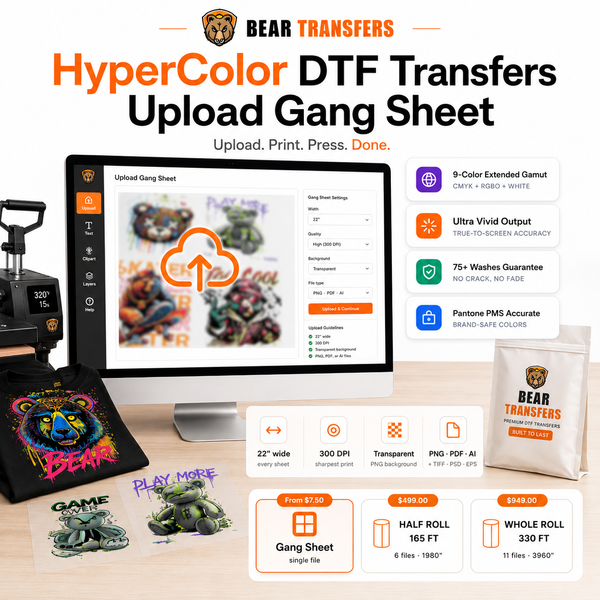
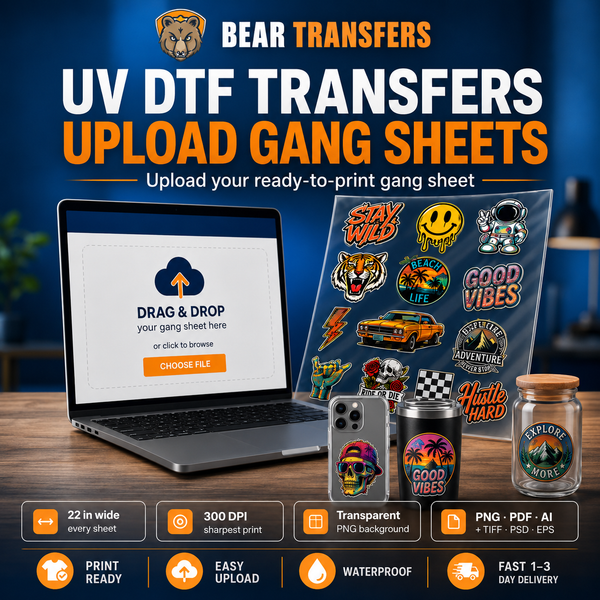
Sizes match the DTF, HyperColor and UV DTF builder options. Prices for each length are on the full price list; a 1 ft sheet starts at $5. Uploading a ready-made sheet? The upload product sells by the foot (1–40 ft) — same widths.
How to use the templates
- Photoshop / Affinity: open the guide PNG (or File › New › 6690 × H px, 300 ppi, transparent), place designs at their real print size, then hide the guide layer and export PNG-24 with transparency.
- Canva: create a custom-size design in pixels (6690 × 3600 for 1 ft, 6690 × 7200 for 2 ft — Canva’s 8,000 px limit means only the 12 in and 24 in sheets fit at 300 DPI), upload the blank PNG as a base, add designs, download as PNG with transparent background.
- Illustrator: place the vector PDF for your length as a locked guide layer, keep artwork inside the dashed safe margin, export PNG at 300 ppi with the guide layer hidden.
- Check before upload: transparent background (no white box), 300 DPI at full size, nothing mirrored, ~0.25 in from the edge and a small gap between designs. Do not reserve space for the order name band — we add it above your sheet.
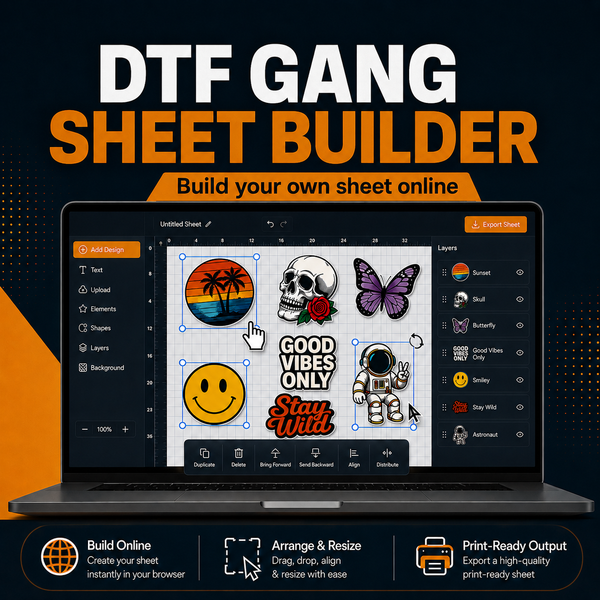
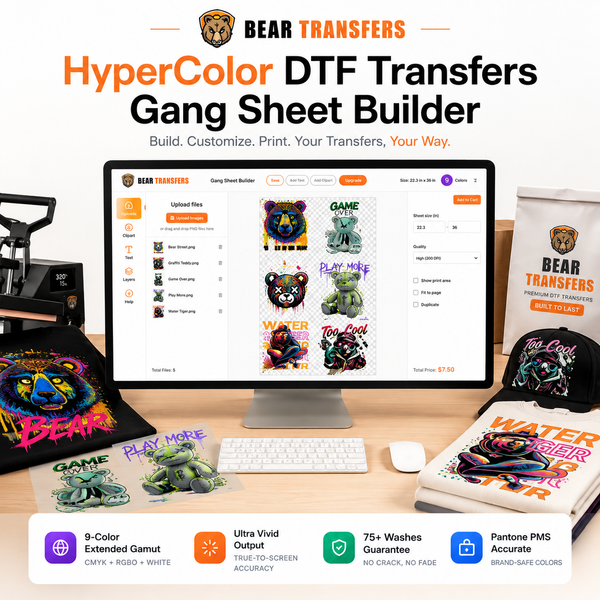
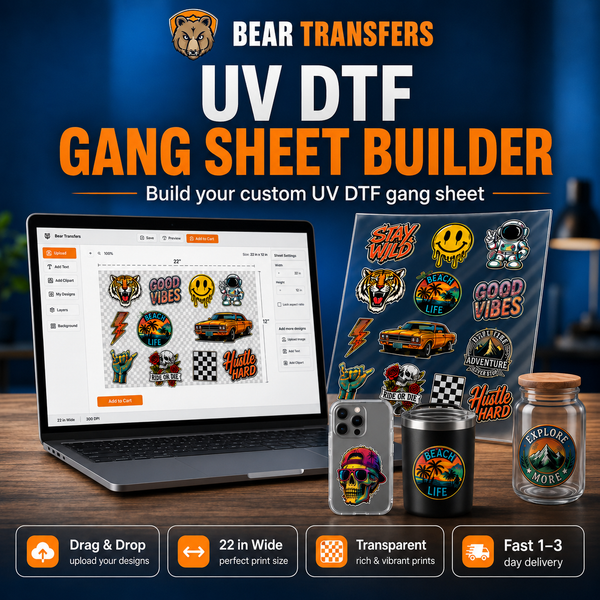
- Longer than 60 in, or don’t want to lay it out? Upload your designs to the free Gang Sheet Builder — it auto-nests them on the shortest sheet and sizes everything for you.