



Team Uniforms with DTF: Names, Numbers & Gang Sheets

Team uniforms turn a simple print job into a data-management job: every name, number, size and garment must match. DTF transfers make short runs and personalized rosters practical, but profitability depends on catching roster errors early, building efficient gang sheets and using a consistent pressing workflow.
Start With a Clean, Approved Team Roster
Do not begin laying out names and numbers from text messages, handwritten lists or multiple email threads. Create one master roster and require the customer, coach or team manager to approve it before artwork enters production.
Your roster should include:
- Player name exactly as it should print, including capitalization and punctuation
- Jersey number, with leading zeros documented when required
- Garment style, color and size
- Print locations for each garment
- Quantity, including duplicate or replacement uniforms
- Any captain, coach, sponsor or position-specific graphics
Add a unique line number or order ID to every player. Two athletes may share a last name, and players on different squads may use the same number. A unique identifier prevents files, transfers and garments from being mixed up.
Before approval, check for common problems such as number 1 versus letter I, number 0 versus letter O, hyphenated names, apostrophes and suffixes. Ask whether names should be all caps and whether a nickname is intentional. Never silently correct spelling on an approved roster.
Freeze the roster after approval. Late additions should be treated as a separate revision rather than inserted casually into an existing layout. That creates a clear record of what changed and reduces the chance of rebuilding transfers that were already correct.
Standardize Names and Numbers Before Building
Choose one font family, outline treatment and color system for the entire team. If the uniform has adult and youth garments, define separate size standards where needed instead of scaling every element by eye.
| Uniform element | Practical starting point | Gang sheet approach |
|---|---|---|
| Adult back number | 8-10 inches tall | Keep each one- or two-digit number grouped |
| Youth back number | 6-8 inches tall | Create a separate youth size set |
| Player name | Fit to the approved maximum width | Export each complete name as one file |
| Left-chest logo | Usually 3-4 inches wide | Duplicate the shared logo to fill open space |
| Sleeve or back-neck mark | Usually 2-3.5 inches wide | Use small marks to fill narrow gaps |
These are starting ranges, not universal rules. Measure the printable area on the actual garments, especially youth sizes, fitted jerseys, hoodies and tops with seams or mesh panels. For detailed logo guidance, use the left-chest logo sizing chart.
For names, set a maximum width and keep the letter height visually consistent. A short name such as FOX should not automatically become much taller than a long name such as HERNANDEZ. Adjust tracking or use an approved condensed version of the typeface rather than stretching letters out of proportion.
Export every personalized element with a transparent background at its final print dimensions. Check resolution, thin outlines, small counters inside letters and unwanted background pixels. The transparent PNG checklist for DTF gang sheets covers the final file review.
Choose the Right Gang Sheet Strategy
A strong team-uniform gang sheet balances material efficiency with easy sorting. Packing every available gap can save film, but an overly complicated layout may cost more labor when transfers must be identified, cut and matched to garments.
Keep complete numbers together
For most roster jobs, build 12, 27 or 84 as a complete transfer rather than printing loose digits. Individual digits can fill space efficiently when a program uses the same number style repeatedly, but they create extra alignment work and more opportunities to reverse or mis-space a number. Complete numbers are faster to sort and easier to center.
Separate shared and personalized graphics
Team logos, sponsor marks and standard sleeve prints repeat across the order. Names and numbers are unique. Consider placing shared graphics in compact repeated blocks while arranging personalized elements in roster order.
A practical sheet sequence might be:
- Shared front logos in rows
- Shared sleeve or back-neck marks in open gaps
- Player names in roster order
- Matching numbers in the same roster order
- Two or three spare shared logos when the budget allows
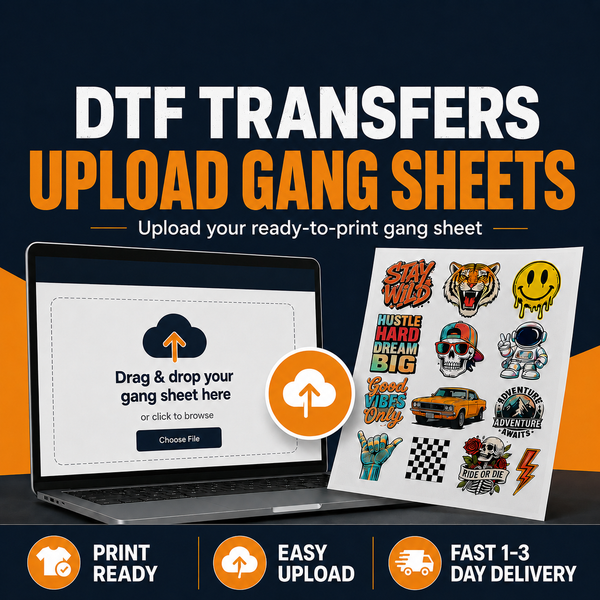
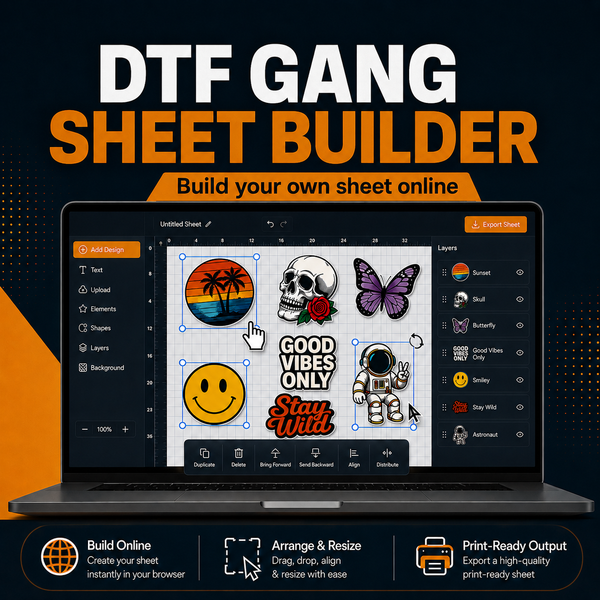
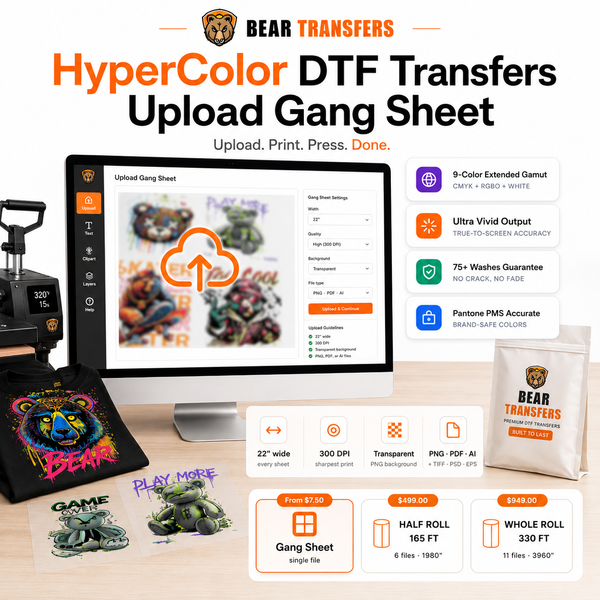
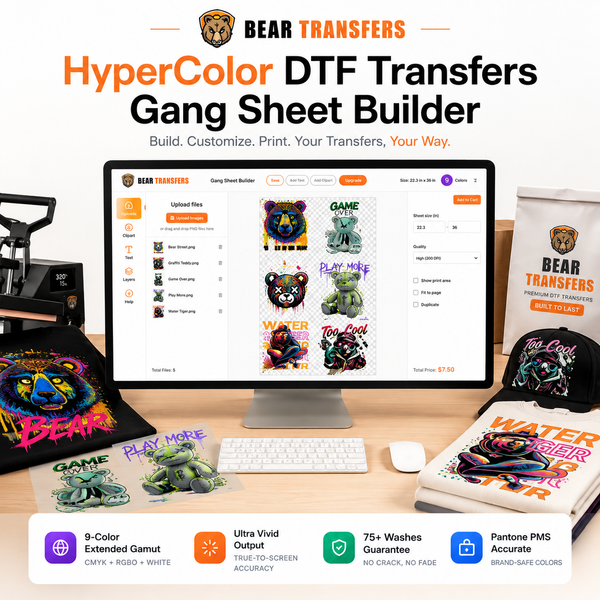
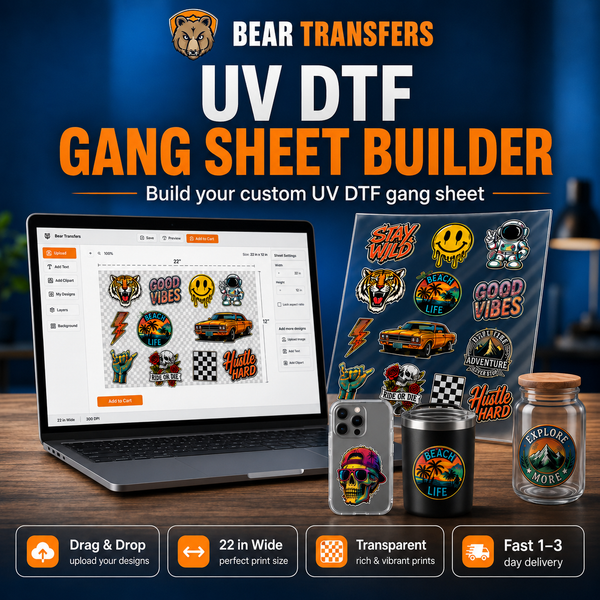
You can build a DTF gang sheet online when you want to place and duplicate individual files. If your design software already contains a finished layout at the required dimensions, upload your own ready-made gang sheet instead.
Use small graphics to recover wasted space
Names and large back numbers create irregular gaps. Fill usable openings with small team logos, care marks, coach graphics or approved replacement prints. Do not add random inventory simply to fill every inch; print items you are likely to use.
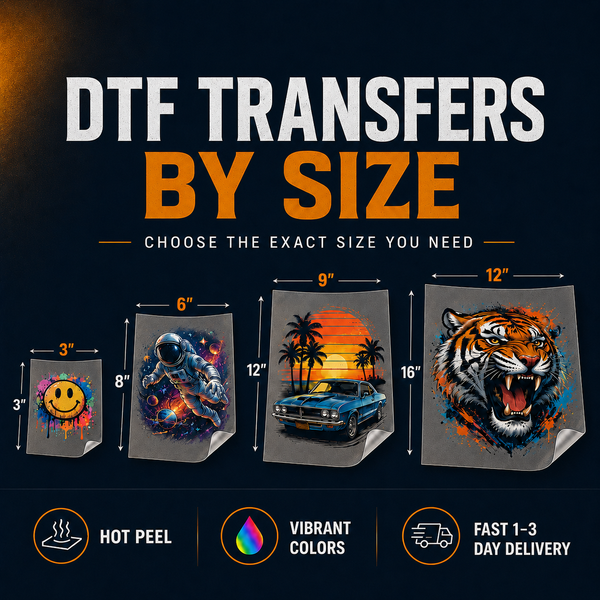
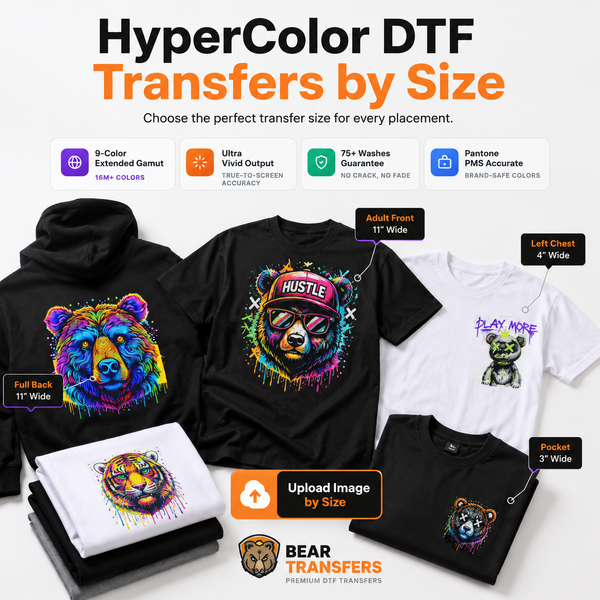
If the job contains only a few names or one replacement jersey, it may be simpler to order DTF transfers by size rather than rebuilding a full gang sheet. For larger rosters, gang sheets starting from $2.58 per foot can make the transfer cost easier to control.
Build a Sorting and Pressing Workflow
Print a production copy of the approved roster and keep it beside the cut transfers. After cutting the gang sheet, group each player’s name and number in a labeled envelope, sleeve or clip. Shared logos can remain in a separate counted stack.
Then stage blank garments in the same order as the roster. Bear Transfers offers blank apparel priced near cost, which can simplify sourcing when you need shirts, hoodies or other team pieces with the transfers.
Before pressing, confirm four items against the roster: garment size, player name, player number and print location. Mark the line complete only after the finished uniform passes inspection.
Use a pressing template, ruler or alignment guide instead of relying on visual centering. Measure placement from stable garment references such as the collar, shoulder seams and center fold. Confirm that the number is centered on the garment itself, not on a temporary wrinkle or uneven sleeve position.
Follow the application instructions supplied with the transfers and verify that your heat press provides even temperature and pressure. Avoid placing a carrier sheet over an existing transfer in a way that can disturb the print. When a garment has front, back and sleeve graphics, plan the order of operations so each area sits flat on the platen.
Bear Transfers produces hot-peel DTF transfers backed by a 100+ wash guarantee. Production is available the same day when the order meets the stated cutoff, with 1-3 day UPS shipping and free shipping on orders over $99. Build shipping and pressing time into your deadline rather than scheduling delivery on game day.
Handle Color, Reorders and Replacement Jerseys
Save the final artwork, gang sheet file, roster revision and size specifications together. A replacement ordered weeks later should use the same approved files rather than a newly typed name or recreated number.
Record the exact print width and height for every element. Saving only a font name is not enough because tracking, outlines and scaling can change. Keep the final transparent files and a visual proof showing how each uniform should look.
For bright gradients, expanded color designs or team graphics where color range is a priority, consider HyperColor 9-color RGB DTF transfers. Do not mix standard and alternate print methods within the same team order unless the customer approves the visual difference.
Order a few extra shared logos when appropriate, but avoid guessing at personalized replacements. Blank numbers or generic name panels rarely solve a roster-specific mistake as cleanly as a properly prepared reorder.
FAQ
Should names and numbers be combined into one large transfer?
Usually, no. Separate name and number transfers nest more efficiently and give you better placement control. Combining them may be useful when exact spacing must be locked, but the larger transparent area can waste gang sheet space.
Can I place adult and youth numbers on the same gang sheet?
Yes. Label the files clearly and group each size range together so similar-looking transfers are not mixed during cutting and sorting.
How many spare transfers should I order?
Extra shared logos are useful for press tests or later replacements. Personalized names and numbers should generally be printed from confirmed roster quantities unless the customer requests duplicates.
What is the best way to prevent roster mistakes?
Use one approved spreadsheet, assign each player a unique line ID, preserve roster order on the gang sheet and verify the garment, name and number immediately before pressing.
Organize your approved roster files and build a DTF gang sheet online for the complete team order.