
Baby Onesies and Kids Apparel: Safe, Soft DTF

Baby and kids apparel needs more than a cute design: the finished garment should feel comfortable, move easily, and hold up to frequent washing. DTF printing can deliver bright color and fine detail on small garments, but softness depends on smart artwork, suitable blanks, careful placement, and a controlled pressing process.
Start With Safety and Comfort
A DTF transfer is only one part of the finished product. The blank garment, thread, snaps, decorations, packaging, labeling, and intended use all matter when you sell apparel for babies or children.
Purchase blanks from established suppliers and confirm that the garments meet the requirements applicable to your market and product category. Keep invoices, product specifications, testing documents, and supplier records organized. Requirements can differ based on garment size, age range, fabric, decoration, and whether the item is marketed as everyday clothing, pajamas, or sleepwear.
Do not market an ordinary bodysuit or T-shirt as children's sleepwear unless the complete product is appropriate and compliant for that use. Printing a design on a blank does not change the blank's original classification or replace your responsibility to evaluate the finished item.
Use a practical safety checklist
- Inspect every blank for loose snaps, damaged seams, sharp edges, stains, or fabric defects.
- Avoid loose add-ons such as rhinestones, beads, bows, or separate decorative pieces that could detach.
- Keep transfers away from snaps, zippers, thick seams, and closures.
- Do not cover care labels, tracking information, size labels, or required warnings.
- Wash-test and stretch-test each new blank, transfer, and press-setting combination before selling it.
- Confirm that the finished print has no lifted edges, exposed adhesive, scorching, or rough pressure marks.
Customers often use the word “onesie” for an infant bodysuit, but Onesies is also a brand name. Use accurate generic wording such as infant bodysuit in product listings unless you are selling the branded product.
Design DTF Artwork for a Softer Feel
DTF can reproduce solid colors, gradients, small lettering, and detailed illustrations without requiring vinyl-style weeding. However, a large solid rectangle will naturally feel heavier than an open design because more printed area means more ink, adhesive, and film coverage on the shirt.
For a softer result, build negative space into the artwork. Separate letters, open up backgrounds, and use the garment color as part of the design. A line-drawn animal with small color accents usually feels lighter than the same animal placed inside a solid printed badge.
- Remove unnecessary background boxes before submitting the file.
- Use transparent backgrounds rather than white artboards.
- Avoid extremely thin details that may not transfer consistently.
- Keep important text large enough to remain readable after the design is reduced for infant sizing.
- Order artwork at its final print dimensions instead of relying on the press operator to estimate scale.
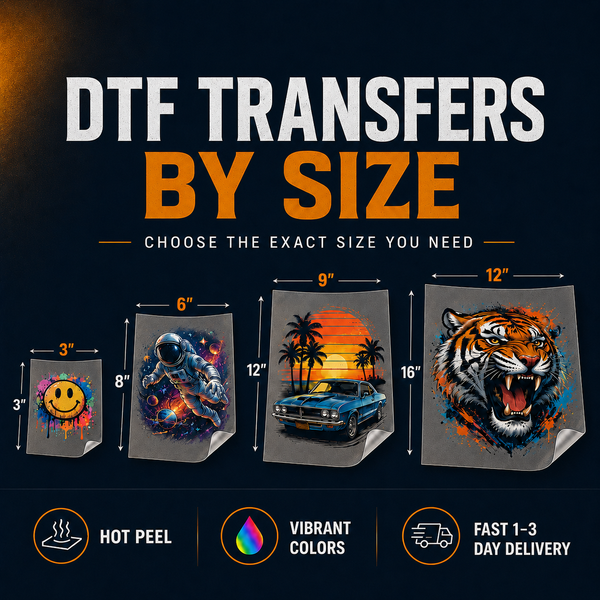
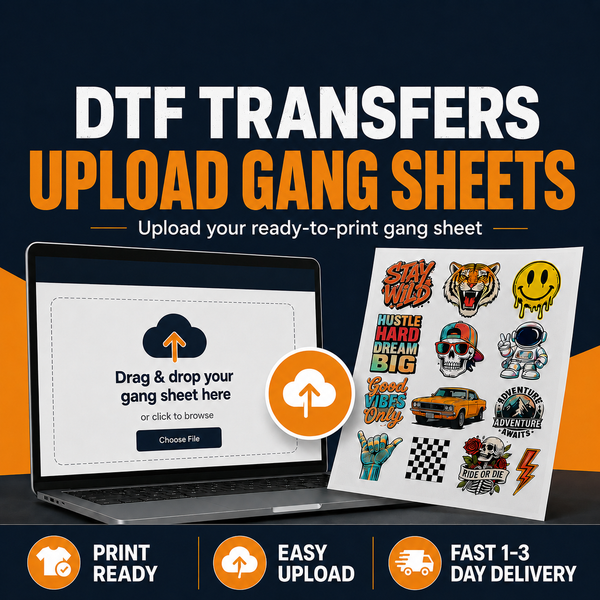
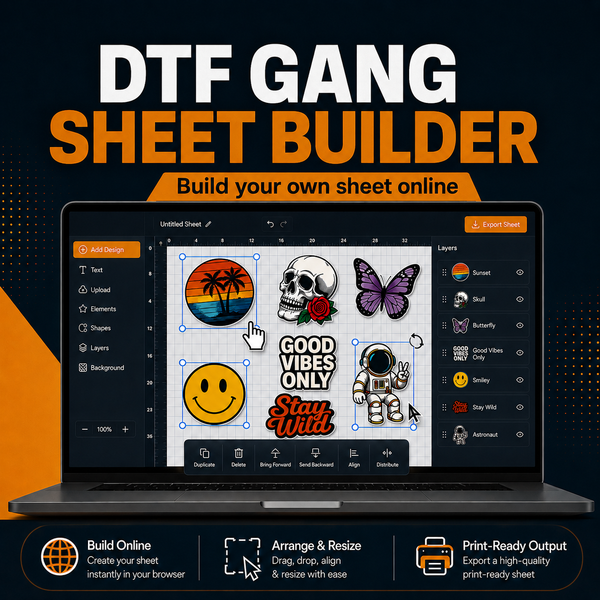
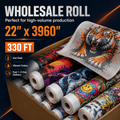
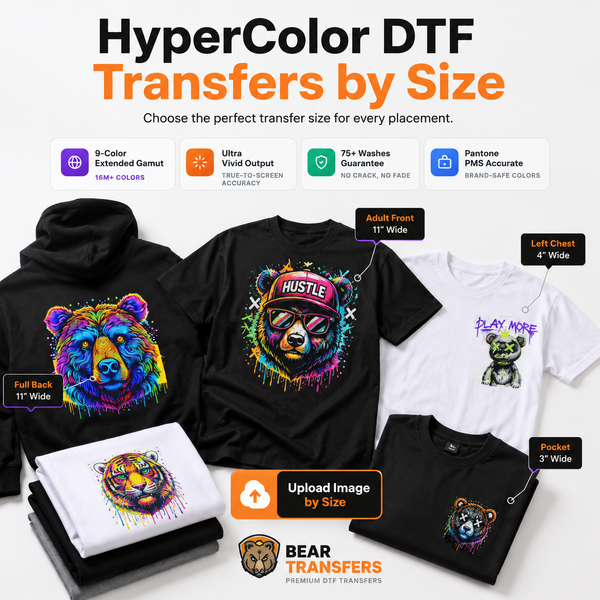
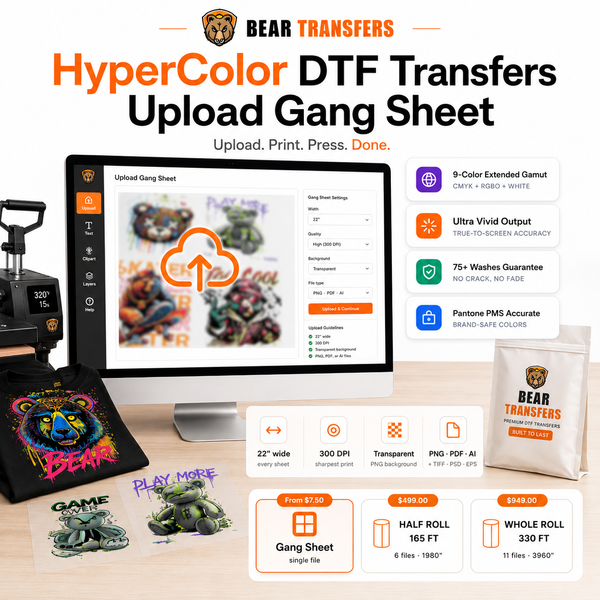
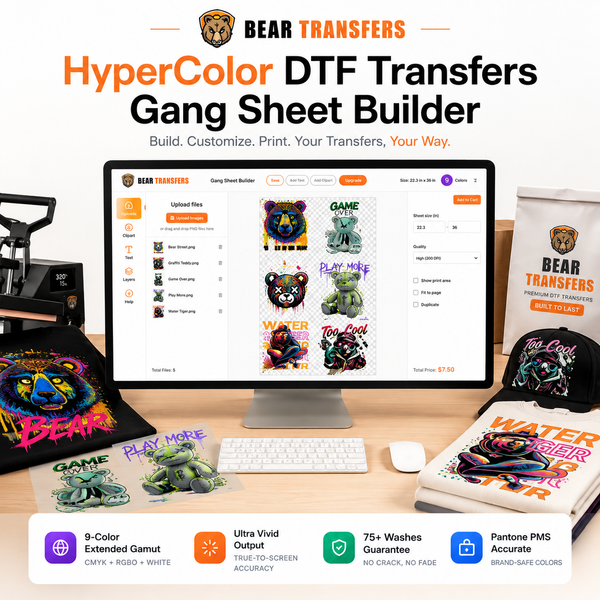
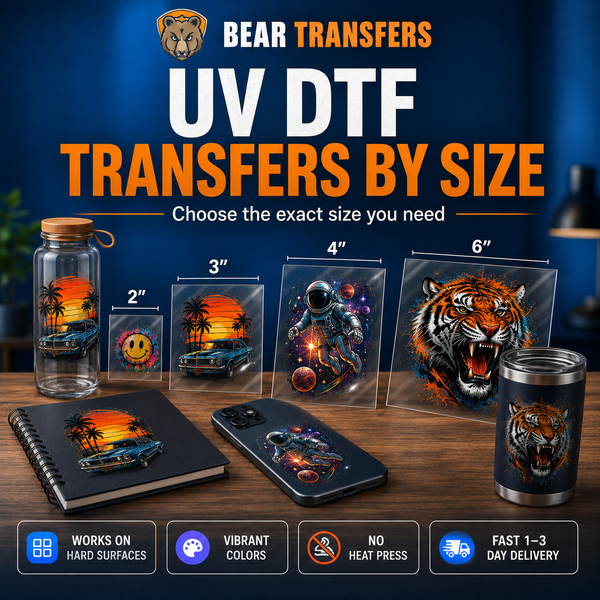
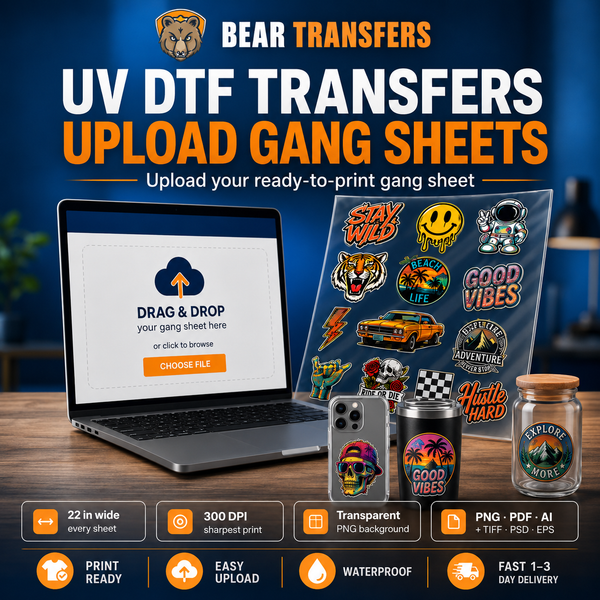
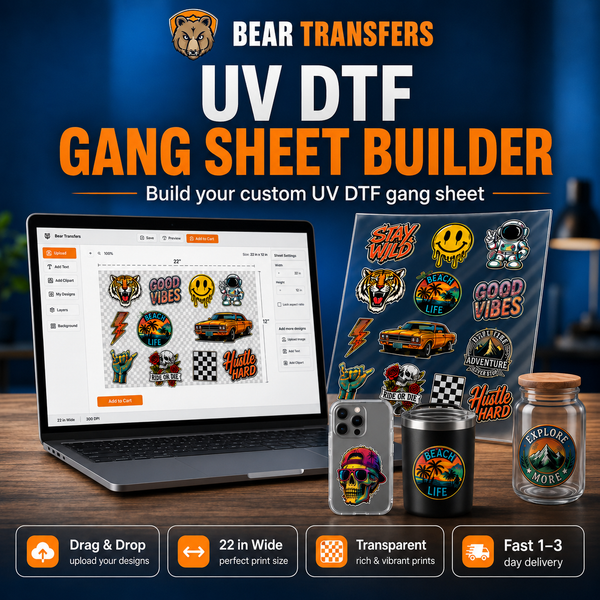
If you only need a few individual designs, you can order DTF transfers by size. For a collection of names, sizes, colors, or coordinated graphics, use the DTF gang sheet builder to arrange multiple transfers on one sheet. Bear Transfers offers gang sheets starting at $2.58 per foot, making it practical to combine infant, toddler, and youth sizes in one order.
Colorful birthday graphics, photo-style illustrations, and bright character artwork may benefit from HyperColor 9-color RGB DTF transfers. Always evaluate a physical sample because screen colors, garment colors, and printed output are not identical.
Match the Blank, Design Size, and Placement
Soft ringspun cotton and cotton-rich blends are common choices for baby and youth apparel. Before production, check the fiber content, fabric texture, dye behavior, stretch, and maximum recommended pressing temperature. Thin fabrics can show pressure marks more easily, while ribbed garments may require extra testing because the fabric expands during wear.
You can source blank apparel priced near cost alongside your transfers, but every style should still be tested before a customer order. Two garments with similar descriptions can react differently to heat and pressure.
| Garment | Suggested print approach | Placement concern |
|---|---|---|
| Infant bodysuit | Small, open chest design | Stay above the lower snap area |
| Toddler T-shirt | Compact center-chest graphic | Scale to the shirt, not an adult template |
| Youth T-shirt | Standard front or left-chest print | Check consistency across multiple sizes |
| Kids hoodie | Upper-chest or back design | Avoid pockets, seams, drawcords, and zippers |
Measure each garment size rather than using one transfer for the entire range. A design that looks balanced on a youth large may overwhelm an infant bodysuit. Create a sizing set, record the width assigned to each garment group, and save those measurements with the artwork file.
Lay the garment flat and identify its visual center. On bodysuits, the shoulder shape and snap panel can make the garment appear off-center even when the fabric edges are aligned. Fold lightly from side to side or use a placement ruler, then confirm the design's position before pressing.
For hooded youth garments, seams and pockets change pressure across the platen. The same principles in this DTF hoodie printing guide can help when expanding a children's collection beyond T-shirts and bodysuits.
Use a Repeatable Pressing Workflow
Consistent DTF application requires controlled temperature, time, and pressure. Follow the current instructions supplied with your transfer rather than copying settings from an unrelated film or blank. Verify the platen temperature with appropriate equipment, especially if prints apply differently from one side of the press to the other.
- Prepare the garment. Inspect it, position it smoothly, and remove lint. Make sure seams, snaps, collars, and labels are not creating uneven pressure beneath the print area.
- Pre-press briefly if directed. This can flatten the surface and remove moisture, but excessive heat may discolor or mark delicate fabric.
- Align the transfer. Place the adhesive side against the garment and secure it if necessary with heat-resistant tape that will not cover the design.
- Press using the supplied settings. Maintain even pressure across the entire design. Use a pressing pillow or appropriate platen arrangement when nearby seams prevent full contact.
- Peel as instructed. Bear Transfers produces hot-peel transfers, so follow the provided peeling method and use a smooth, confident motion.
- Complete the finishing press. Use the recommended cover sheet, time, and pressure. This step helps settle the print and confirm the edges are bonded.
- Inspect after cooling. Check every edge under good lighting and gently stretch the surrounding fabric. Repress only according to the transfer instructions.
Avoid stacking hot garments immediately after pressing. Let each item cool and allow any trapped heat or moisture to dissipate before folding and packaging. This is particularly important with compact baby garments that are often folded tightly.
Create a production log containing the blank style, color, fiber content, transfer type, artwork size, press settings, operator, and test results. If a supplier changes the garment construction or you switch colors, repeat the test. Dark dyes and light dyes may behave differently even within the same product line.
Bear's hot-peel DTF transfers include a 100+ wash guarantee when they are applied and cared for according to the specified instructions. Provide customers with clear laundering guidance, including washing the garment inside out, using an appropriate cycle, and avoiding direct ironing over the design.
Sample Before Launching a Kids Collection
A sample garment shows more than a digital mockup. It reveals the print's actual scale, hand feel, color contrast, stretch, placement, and appearance after laundering. A DTF and UV DTF sample pack is also useful for comparing transfer finishes before committing to a production format.
Wash the sample several times according to your intended care instructions. Look for edge lifting, cracking, dye migration, garment shrinkage, distortion, or changes in softness. Record the result and keep an approved sample near the press so production staff can compare placement and finish.
When planning a launch, group artwork by finished size to reduce mistakes. Label transfer stacks for infant, toddler, and youth garments, and place the matching blanks in separate bins. Print one garment first, approve it, and then complete the run.
Bear Transfers offers same-day production when an order is placed before the current cutoff, with typical UPS shipping of one to three days and free shipping on qualifying orders over $99. Check the live ordering information before promising a delivery date, and leave time for pressing, inspection, photography, and correction of any damaged blanks.
FAQ
Is DTF printing suitable for baby bodysuits?
DTF can be used on compatible infant bodysuits when the blank, artwork, placement, and pressing process are properly evaluated. Test the complete finished garment and verify the requirements that apply to the product you sell.
How can I make a DTF print feel softer?
Use open artwork with negative space, avoid large solid backgrounds, size the graphic appropriately, and apply it with the specified time, temperature, and pressure.
Where should a design sit on an infant bodysuit?
Center it visually on the upper torso and keep it clear of the neckline, side seams, and lower snap panel. Test placement on the actual size instead of relying only on a mockup.
Should baby and youth sizes use the same transfer?
Usually not. Build a size chart for infant, toddler, and youth garments so each print looks balanced and remains clear of seams and closures.
Organize your infant, toddler, and youth designs efficiently when you build a DTF gang sheet online.